
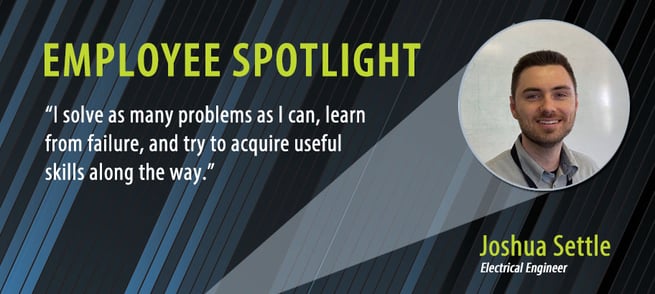
In the second blog of our “Employee Spotlight” series, we focus on one of our engineers, Josh Settle. Josh works to design, test, and implement the electronics for our new products. In addition, he is a valuable resource to our production teams. He is also a member of our Quality System’s Internal Audit Team.
Let’s ask Joshua some questions to get to know him better.
Let’s start with a history of your time here at Teledyne
I started summer 2014 as an electrical engineering intern. I didn’t know if I would get the internship, so I picked up another part time job as a lifeguard. I landed the internship later and kept working both. I put in 40 hours at Hastings during the week and 10-16 hours at the Mt. Trashmore Family YMCA on the weekend.
At Hastings I really enjoyed the people I worked with (I still do), and I am thankful for the ways they have invested in me (they still do). I interned again summer 2015 and came back month after undergrad to work full-time. My full-time start date was June 6, 2016. I celebrate 7 years with Hastings this summer.
Tell us a little about your educational background
I completed my Bachelor of Science in Electrical Engineering (mathematics minor) Magna Cum Laude from Virginia Tech in May 2016. That autumn, I immediately began working on my Master of Engineering Degree (Electrical and Computer concentration) at Old Dominion University while working full time. I finished my second degree in the spring of 2022.
As far as concentrations go, I have always enjoyed mathematics for its brutal objectivity, intense precision, and its numerous tools used to help people observe reality and make meaningful changes.
I also enjoy transmission line theory, an arcane field where material properties, geometry, circuit analysis, and electromagnetics all converge. I’m particularly interested in microstrip line distributed element filters (see the Distributed-element filter Wikipedia page). This subject has interesting applications because of its similarity to traces on a circuit board. As part of my second degree, I developed a python program that calculates the dimensions of one of these filters based on user input frequency characteristics and compared my program to a professional software package.
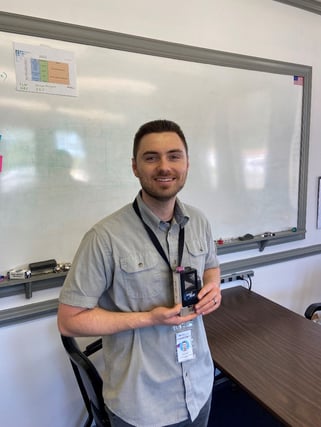 What do you do here at Teledyne Hastings?
Short Answer: I solve as many problems as I can, learn from failure, and try to acquire useful skills along the way.
Long Answer: I help the engineering department meet long term goals especially with respect to new product development. I also help with production, repair, quality, tooling, and training needs.
I do everything from working on production benches, configuring tests, interpreting data, leading or supporting internal audits, assisting with technical documentation needs (drawings work instructions, procedures), or even being a liaison between multiple departments (production and sales, production and other engineers).
What are some of your outside interests?
I enjoy fitness, videogames, pizza, and red wine (dark, full-bodied, and dry).
Quote that we might use from you?
“Think things through. Consider the extremes. Speak carefully. Challenge your assumptions. Relax, and don’t be afraid to say, “I don’t know” or ask for help.
To learn more about Teledyne Hastings and the products we make, visit our website or click below.

 We are starting a new blog series where we will introduce you to some of the key employees here at Teledyne Hastings. Our first blog in this series will focus on our domestic sales manager, Will Harrison.
 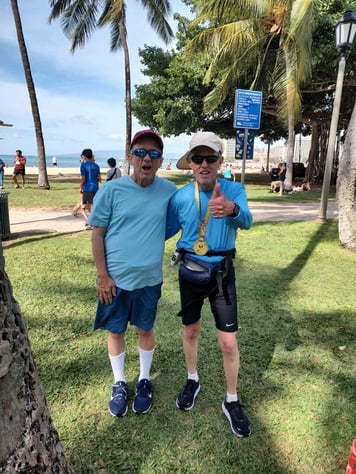 Will Harrison (right) after finishing the 2022 Honolulu Marathon. Brother Glen is on the left.
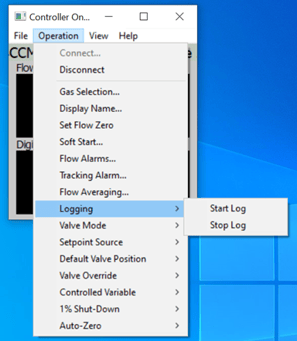
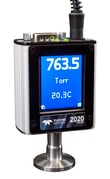
 Teledyne Hastings has a broad offering of thermal mass flow meters, mass flow controllers, and vacuum instruments. Within each of our digital product families, we offer both analog output (e.g. 0-5 VDC, 0-10 VDC, and 4-20 mA) and digital outputs (RS232, RS485, and USB). Typically, our customers will interface our instruments to their data acquisition systems. But, in some cases, our users want a fast and easy method to configure, control, and collect data with our instruments. In this blog, we will discuss our Windows-based programs. Specifically, we will answer three questions:
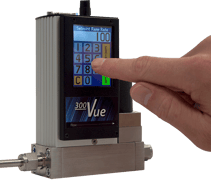 What do our Windows-based interface programs do?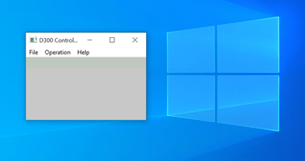
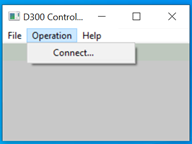 and then clicking on Connect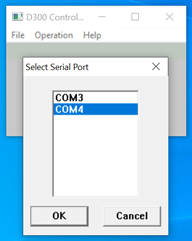
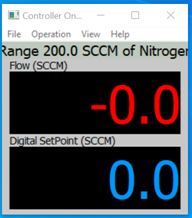
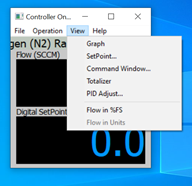
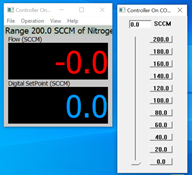
 In this blog, we will discuss various system connections, or fittings, that are available for both our mass flow and vacuum products. We will briefly explore why you might select a particular family of fittings for your system. Also, we will touch on some basic installation Dos and Don’ts.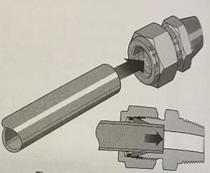
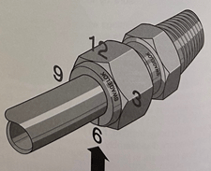
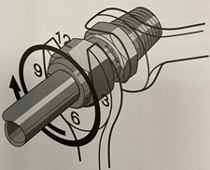
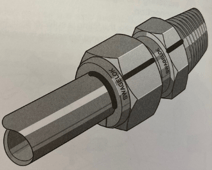
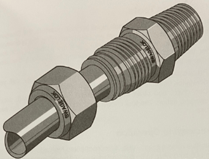
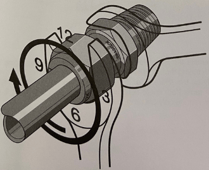
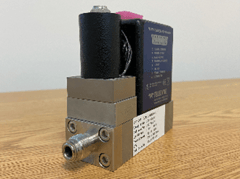 HFC-302 with VCR fittings
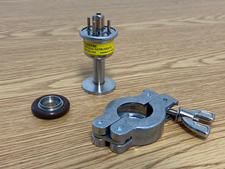 Teledyne DV-6-KF-16 (Shown with o-ring assembly and clamp)
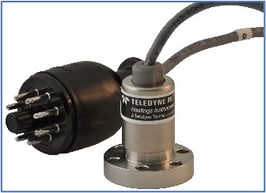 DV-6 Gauge Tube with ConFlat Flange
 This blog is the next installment in a series focusing on industrial gases. The first blog featured SF6 and can be found here:
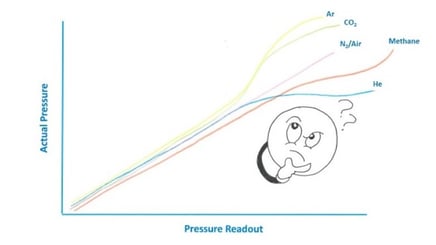
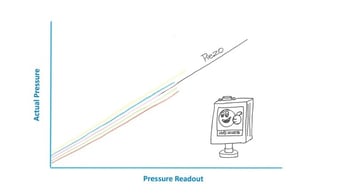
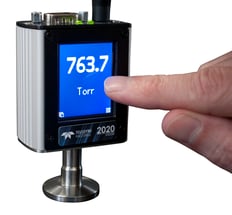
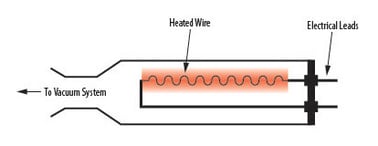 A Pirani vacuum gauge contains a heated component, such as a wire or thin-film membrane (see figure on right), which is brought to an elevated temperature, typically through the use of a bridge circuit. As changes in gas molecular density occur, the transfer of heat from the wire to the gas is affected. This heat loss is dependent on gas type and pressure, and the amount of energy required to keep the wire at temperature varies accordingly. Consequently, the amount of energy is dependent on vacuum pressure and can be converted to a pressure value.

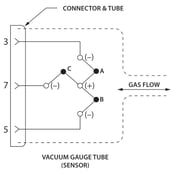
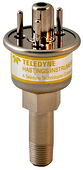
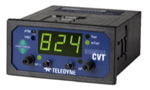
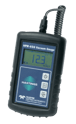

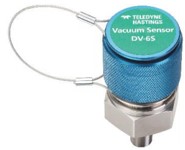
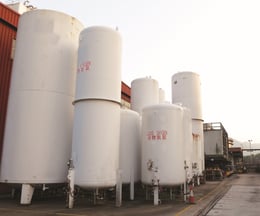 There are numerous, diverse vacuum applications and different vacuum systems can require specific thermocouple vacuum gauge tubes. At the most basic level, vacuum systems can be installed in a variety of environments including outdoor with exposure to weather elements, indoor industrial and laboratory conditions in which exceptionally high cleanliness standards are required.
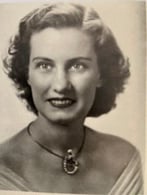 March is Women’s History Month and this year we’d like to focus on Mary Hastings, one of the key founders of Hastings Instruments. Mary Comstock graduated from William & Mary with a degree in physics with minors in math and chemistry. She was truly a pioneer in many ways. After college, she took a job as a “computer” at NACA (National Advisory Committee for Aeronautics) in Hampton, Virginia. There, Mary met Charles Hastings, a young engineer who had his office across the hall from her. The two were married in 1940.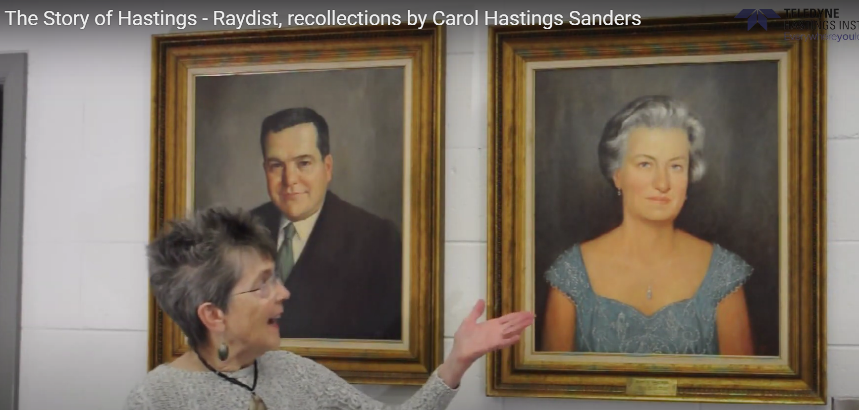
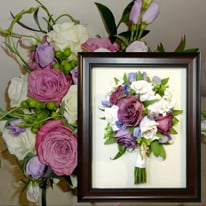 Happy Valentine’s Day 2021
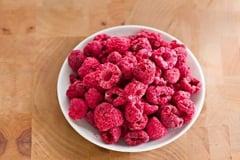 Freeze drying, also known as lyophilization, is a process in which water molecules are removed from biological cells without damaging the cell structure. For starters, the product to be freeze-dried is chilled and the water inside is completely frozen (i.e. placed in the solid state). Next, the pressure is reduced using vacuum pumps and the water molecules sublimate – that is, water goes from the solid phase directly to the gas phase.
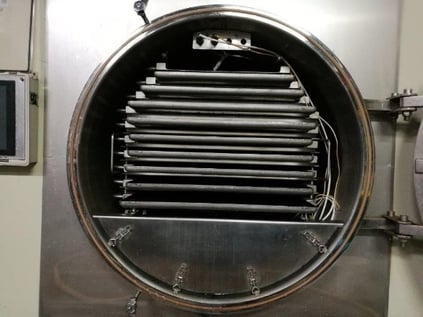 View inside commercial freeze-drier